Identity verification
Confirm your identity
Written By Jozef
Last updated 7 months ago
A recruiter may ask you to confirm your identity, known as KYC. The process will be initiated when you receive a Verify Identity email request.
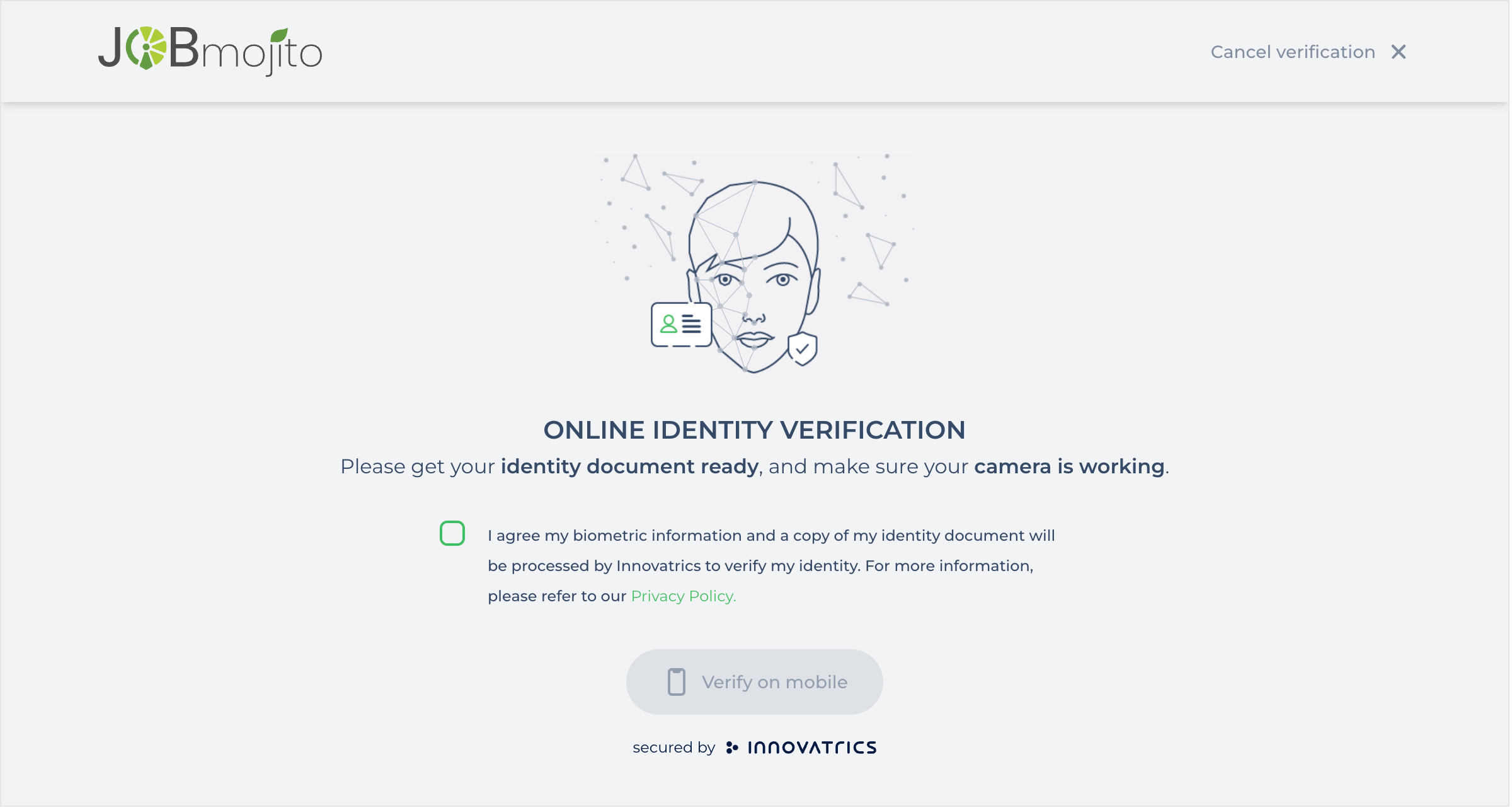
How it works
You will receive a request to verify your identity via email with a link.
On the page, you will start a simple verification process that can be done on your desktop or mobile device.
You will be asked to:
Take a selfie
Take a picture of your national ID / passport / driver’s license (front & back)
The system will biometrically verify that the person in your selfie is the same as the person in the image on your identification document.
The process can be completed in less than 60 seconds.
What data are collected
During the process, JobMojito will collect:
Your selfie
Name from the identification document
ID & expiration from the identification document
Address from the identification document
Date of birth
What is not collected:
Raw images of your identification document
The verification is done using our partner https://www.innovatrics.com/. For the full list of supported identification documents, please refer to this page: https://developers.innovatrics.com/digital-onboarding/docs/functionalities/document/supported-documents/
Why it is needed
Due to increased fraud, we see some candidates paying third parties to take online interviews on their behalf. This process verifies that the candidate taking the interview is the candidate who is applying for a particular position.
Was this helpful?
Still need help? Ask the team