ATS Integration
Connect JobMojito with your ATS system
Written By Jozef
Last updated 7 months ago
How ATS Integration Works
JobMojito allows you to automatically invite candidates from your ATS system, based on a specific position and stage, into an AI Interview.
Candidates receive an automated invitation email, complete the interview, and once the interview is submitted, the score, tags, PDF report, and link to the results are sent back to your ATS system.
Benefits
Set up the integration in minutes
Keep using your ATS for candidate and stage management
Your recruiters need to set up the interview in JobMojito only once. After that, you can continue using your ATS system for candidate management, stage management, and related workflows.Easy, proven workflow
The process is simple and based on a tested workflow.
Available Integrations
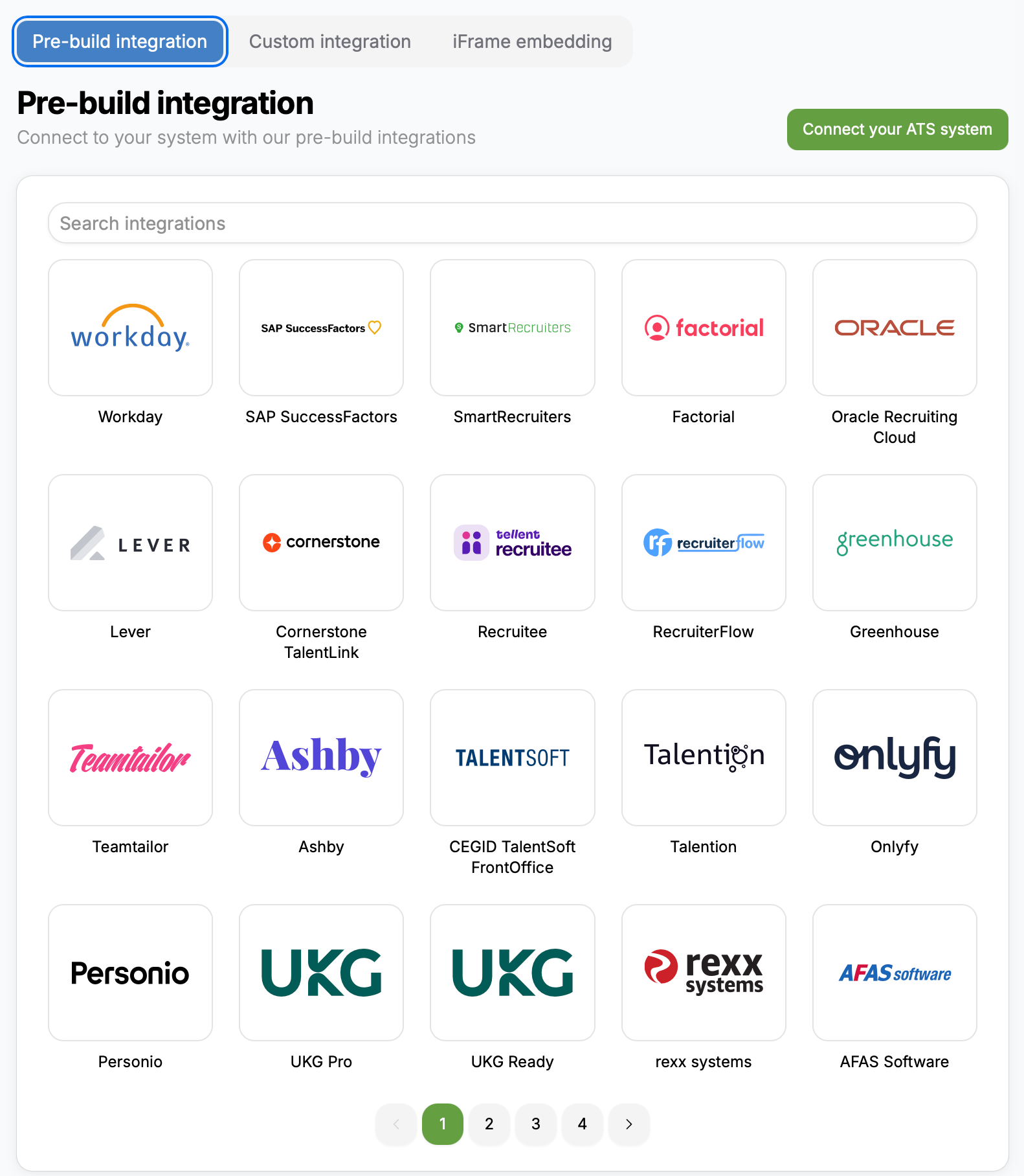
JobMojito provides more than 70 integrations with different ATS systems.
No development is required.
Just follow the documentation available for each ATS system.
You can view the public list of available ATS integrations here: https://jobmojito.com
Inside the application, you can access the ATS integrations list here: https://app.jobmojito.com/integrations
To access step-by-step connection documentation, click on any ATS system logo.
ATS Synchronization
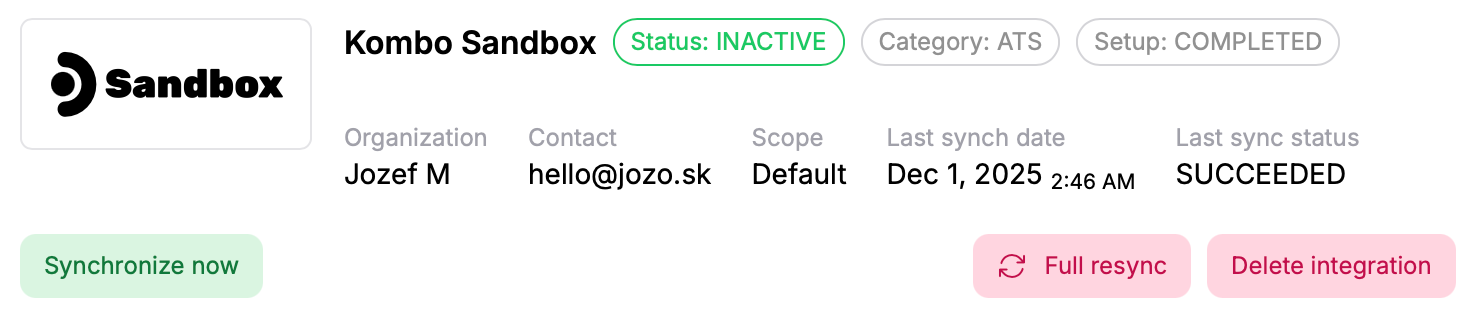
Once you connect JobMojito with your ATS system, information is synchronized between your ATS and JobMojito.
For some systems, synchronization happens in real time.
For others, synchronization runs every 3 hours.
You can manually trigger synchronization at any time by clicking "Synchronize now".
Synchronized Data
The following information is synchronized:
Candidates
Positions
Applications
Stages
Tags
How to Create an Interview or Pre-Screening
Once your ATS system is connected, you will find a third option in the "Create interview" wizard: "Import from ATS".
When you select this option, JobMojito will display a list of positions from your ATS system.
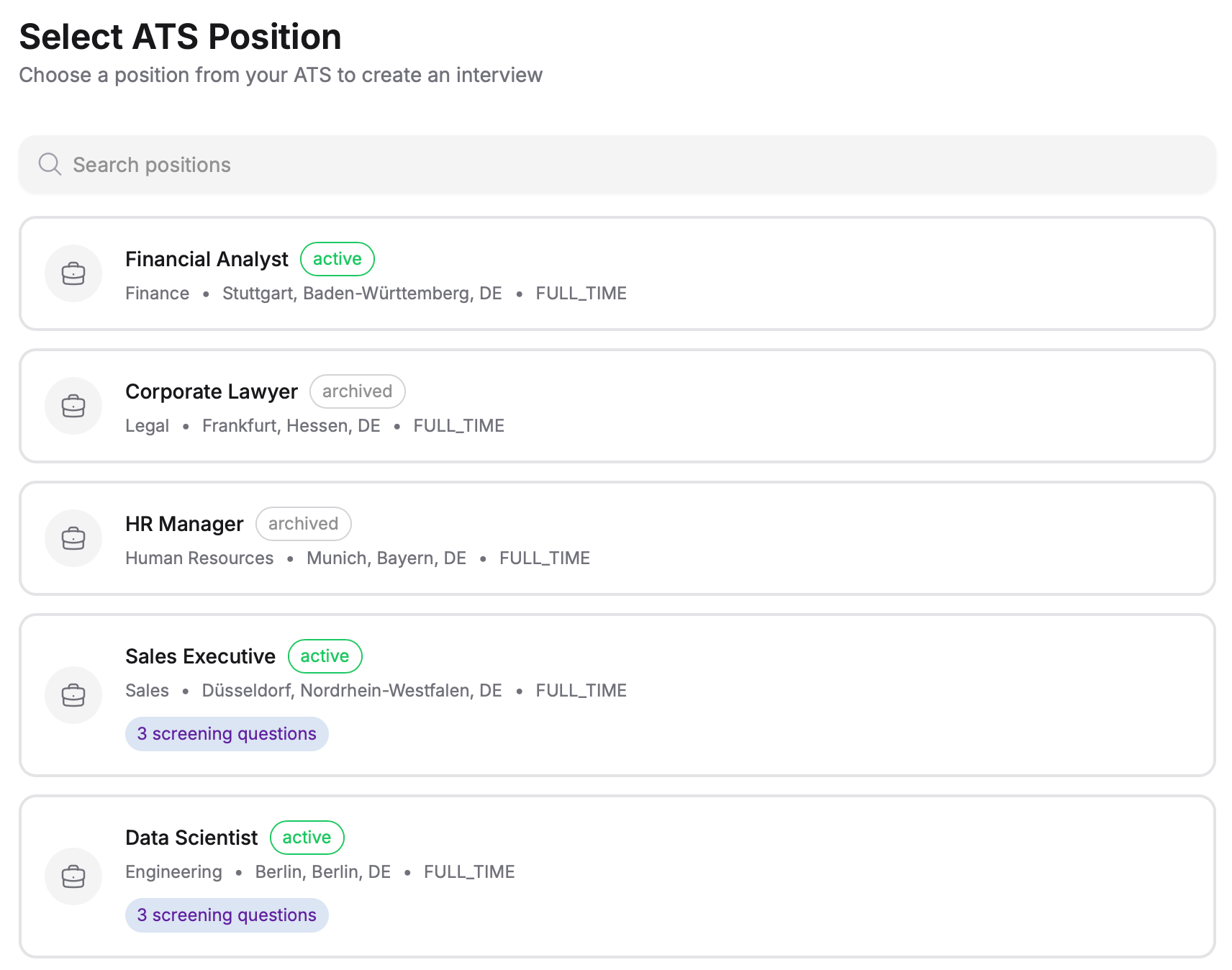
After you choose a position, JobMojito will automatically use the job description, pre-screening questions, and other related information, so you do not need to copy and paste any data manually.
Per-Interview Position Configuration
For each interview, you can configure the following key settings:
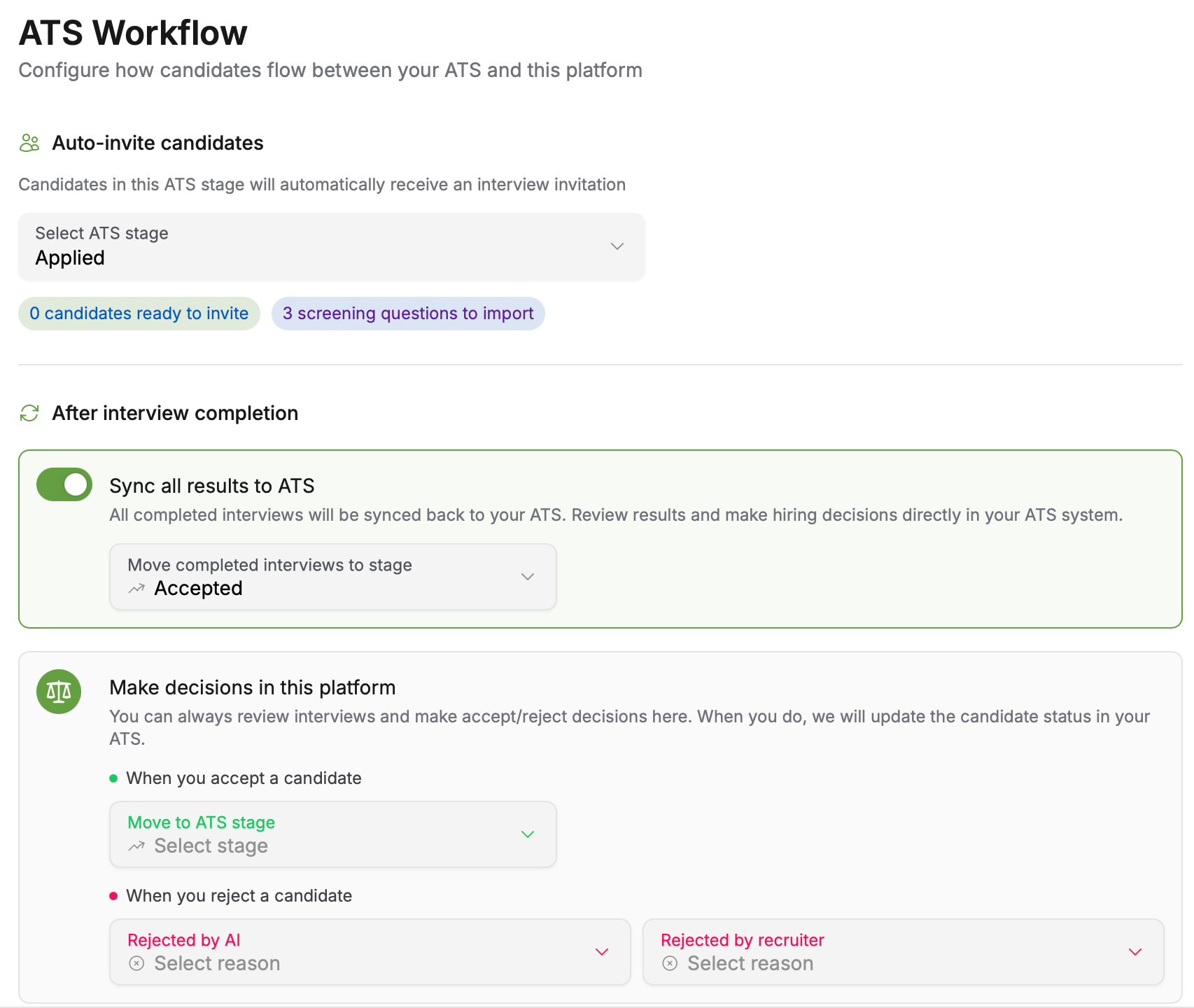
Select ATS stage
This is the stage from which candidates will be automatically invited to the interview. When you publish the interview or pre-screening, all candidates currently in that stage will be invited.
An automated watchdog runs for each active interview. If a new candidate is detected as having been moved into the selected stage, an invitation is sent automatically.Sync all results to ATS
When enabled, all interview results are sent back to the ATS.Move completed interviews to stage (optional)
You can enable this option to move candidates who completed the interview into a specific ATS stage.
For example, you can create a stage called "AI Interview completed" and move all candidates who finish the interview into that stage.No notifications are sent to the candidate.
Make decision in this platform
This setting determines how the application is updated when you choose to accept or reject a candidate directly inside the JobMojito platform.When accepted, move to ATS stage
This option moves the candidate to a selected ATS stage when you click Accept.
A notification email is sent to the candidate.Rejection reasons
This defines the reason used when you reject a candidate in JobMojito.
Global configuration
You can configure global ATS integration settings that apply to all interviews.
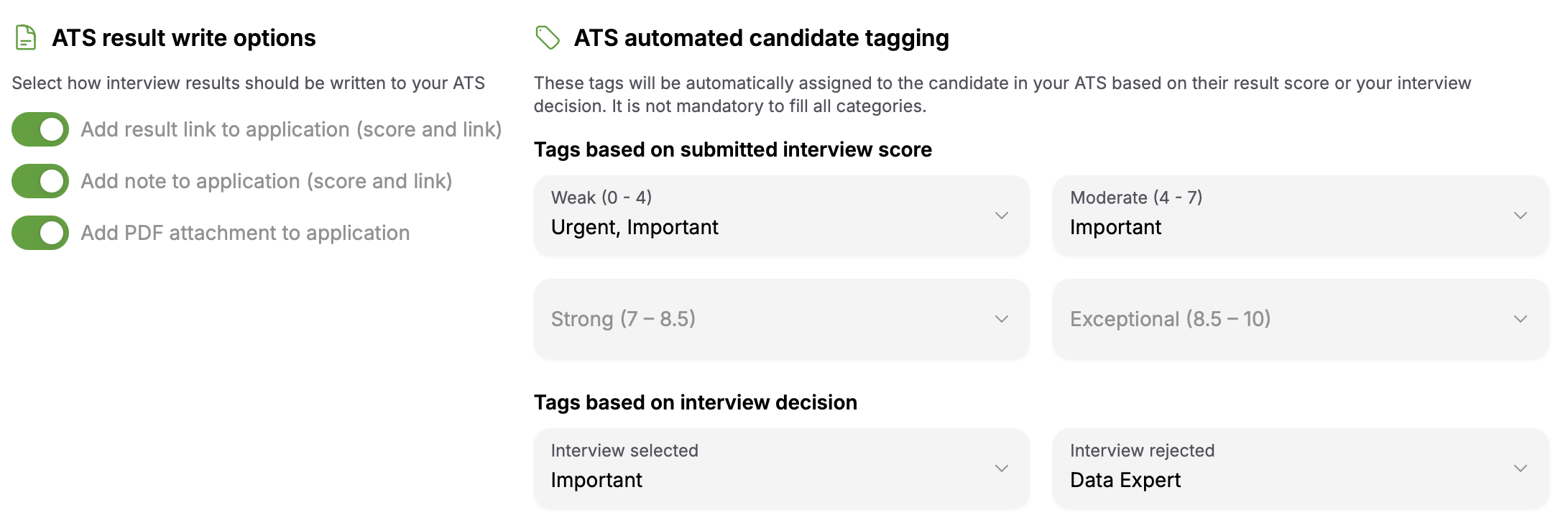
ATS Result Write Options
You can choose how interview results are written back to your ATS:
Add result link to application (score and link)
The JobMojito result link and score are stored in your ATS.Add note to application (score and link)
The JobMojito result link and score are stored in a note field or comment in your ATS.Add PDF attachment to application
JobMojito generates a PDF report from the interview and attaches it to the candidate's application.
You can choose any combination of these options.
Note: Not all ATS integrations support all write options.
ATS Automated Candidate Tagging
You can assign tags to candidates based on:
the score they achieved, or
whether they were selected for the next stage.
Tags are synchronized from your ATS system.
A typical use case is tagging a candidate who achieved a high score. Even if that candidate is not selected for a specific position, the tag will still be available if they apply again in the future, helping your team make better decisions.
Was this helpful?
Still need help? Ask the team